Console Storage and Game Library Support
Storage Upgrades and Data Transfer in Ashburn
Running out of storage? Ask about your options. Get a Free Estimate
Console Storage and Game Library Support
Running out of storage? Ask about your options. Get a Free Estimate
Modern games can take up significant storage space. Updates, downloadable content, and large game libraries may fill a console faster than expected. Depending on the system, compatible internal or external storage can provide more room for supported games and files.
Ashburn Console Repair helps customers understand console storage upgrade and data transfer options. We consider the console model, storage requirements, compatibility, and whether existing data can be moved or backed up.
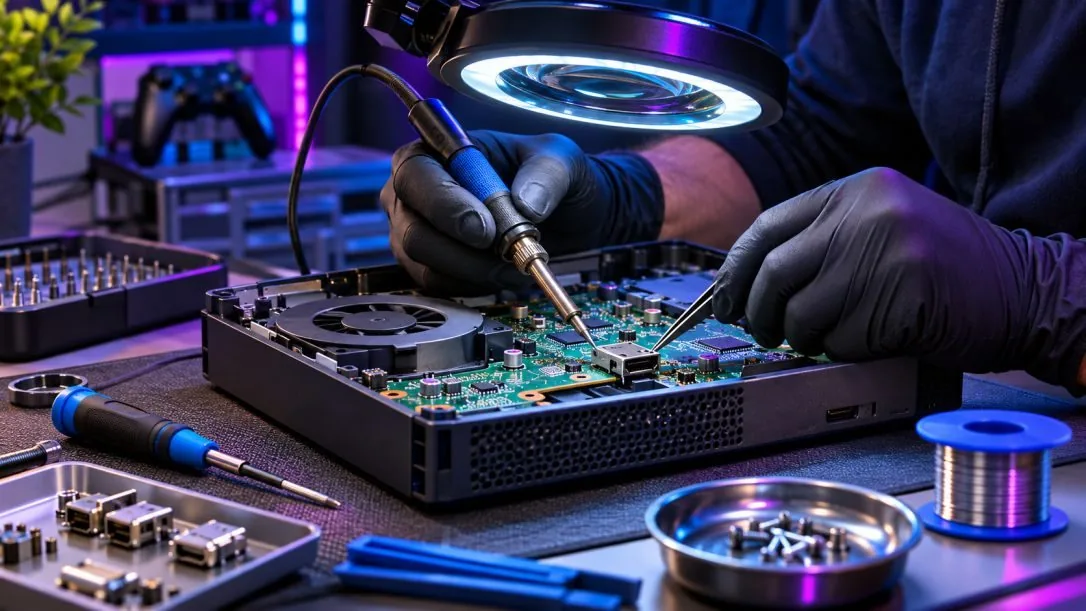
Storage capabilities vary widely across console generations. Some systems support internal expansion, others rely on approved external devices, and certain game types have specific requirements for where they can run.
Adding storage may involve an approved internal expansion device, a supported external drive, or another model-specific option. Capacity alone does not determine compatibility. We consider interface requirements, supported formats, and whether the console can run games directly from the selected storage. The appropriate solution depends on the system.
Moving installed games between supported storage devices can help reorganize a library or prepare for a storage upgrade. Some transfers are available through the console's built-in tools. We discuss the available methods and limitations, including whether games must be downloaded again or moved back to internal storage before playing.
Saved games can be stored differently from installed game files. Cloud synchronization, local backups, and transfer permissions vary by console and account configuration. We help customers understand what data may be accessible and which steps could place it at risk. No transfer or recovery method can guarantee preservation of all information.
A console with corrupted storage, repeated installation errors, or startup problems may need more than additional capacity. The existing storage device or system software could be involved. We consider the symptoms before recommending replacement or recovery steps. In some cases, failed or encrypted storage may prevent data recovery.
We consider the requirements of the exact console model before recommending a storage option.
We explain the difference between installed game files and saved data, including transfer limitations.
We discuss which storage options expand capacity and which can actually run supported games.

Tell us your console model and storage goal so we can discuss compatible options.
Free — no obligations
Tell us the model, current storage situation, and whether you want more space or to move existing data.
Consider supported storage types, available transfer methods, and system requirements.
Discuss available backups and any risks before changing storage.
Carry out the agreed upgrade or transfer and check that accessible content behaves as expected.