Controller Hardware Troubleshooting
Gaming Controller Repair in Ashburn, VA
Controller acting up? Describe the problem. Get a Free Estimate
Controller Hardware Troubleshooting
Controller acting up? Describe the problem. Get a Free Estimate
When a controller starts drifting, missing button presses, or disconnecting, even a working console can become difficult to use. Some controller faults are caused by wear, while others result from impacts, liquid exposure, damaged connectors, or internal electronic problems.
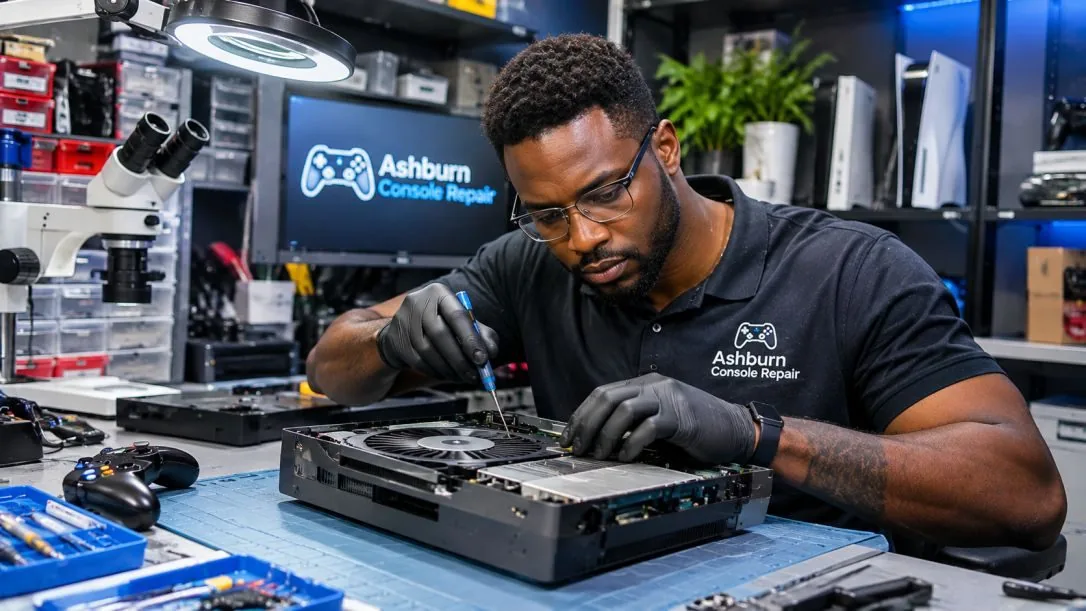
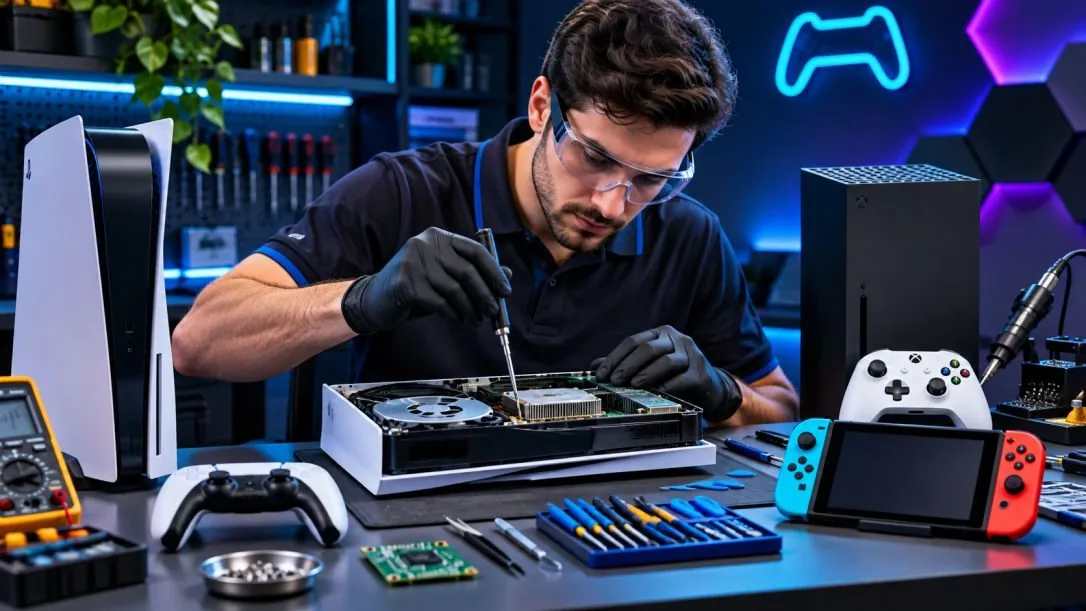
Ashburn Console Repair evaluates common controller problems for compatible gaming systems. We consider whether cleaning, component replacement, or further testing is the sensible approach based on the controller's condition.
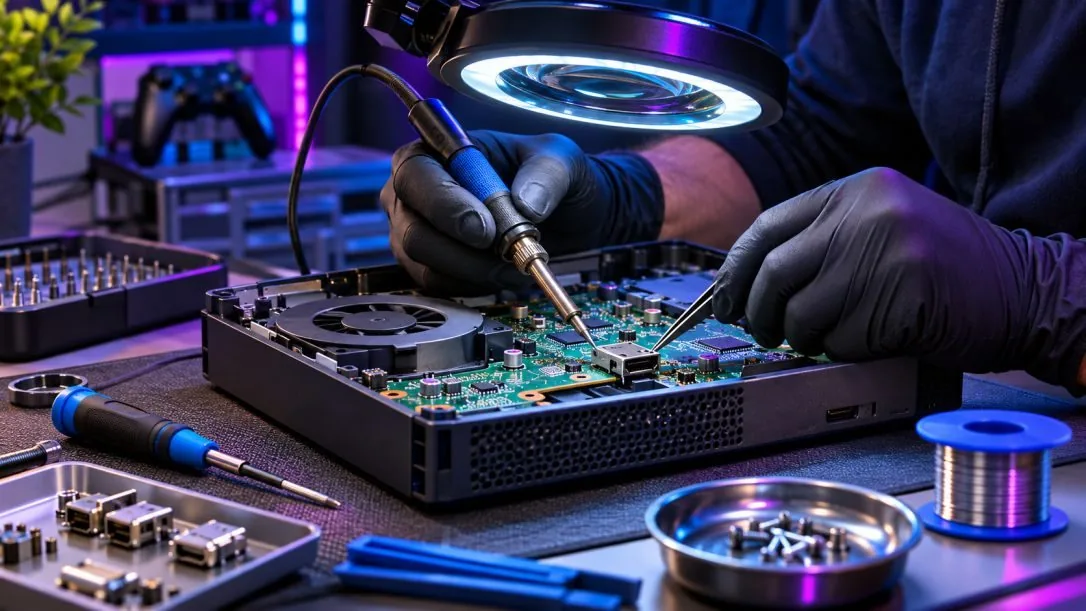
Controllers contain small mechanical parts and electronic components that experience repeated use. Finding the specific fault helps determine whether repair is practical.
Stick drift occurs when a controller registers movement even though the analog stick is not being touched. It may appear as unwanted camera movement, menu scrolling, or a character moving without input. Possible causes include wear inside the stick module, contamination, calibration problems, or other electronic faults. Depending on the controller, cleaning, calibration, or module replacement may be considered.
Buttons that stick, fail to register, or respond inconsistently can interfere with normal gameplay. Triggers may also develop mechanical or electronic faults that affect their movement or input. We consider whether the problem involves debris, a worn contact, a damaged mechanism, or another component. The available repair depends on the controller model.
A controller that will not charge may have a damaged cable, worn charging port, battery problem, or fault in its charging circuitry. A controller that does not power on can have several possible causes. We review the charging behavior and visible condition before recommending a repair. Battery and connector work requires appropriate parts and careful handling.
Unexpected disconnections or pairing failures can be related to software settings, interference, battery condition, or internal wireless hardware. These symptoms do not always require component replacement. Basic troubleshooting helps separate connection settings from physical faults. If the problem appears to be hardware-related, we can discuss further evaluation.
We distinguish between stick, button, charging, and connectivity symptoms to narrow the likely cause.
Some controllers are more economical to replace than repair. We help customers consider the available options.
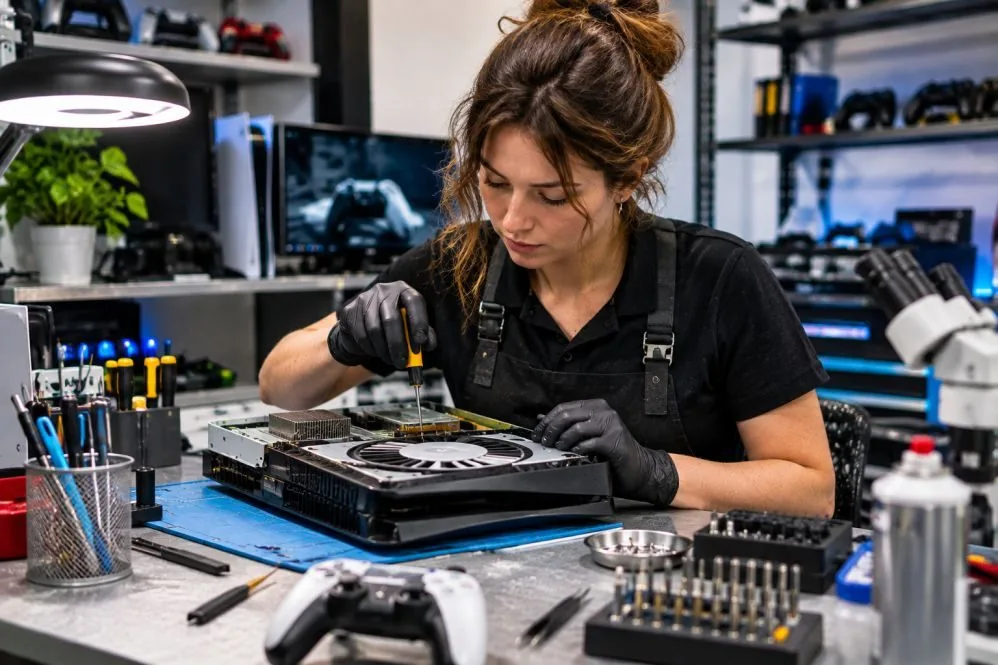
After an applicable repair, relevant inputs and connections should be tested for proper operation.
Tell us your controller model and the exact problem you are seeing.
Free — no obligations
Provide the controller type and describe which inputs or functions are failing.
Consider mechanical wear, connection issues, power problems, and other possible causes.
Determine whether cleaning, adjustment, or compatible component replacement makes sense.
Evaluate the relevant controls or connection behavior after repair.